로컬 처리

파비콘 생성기

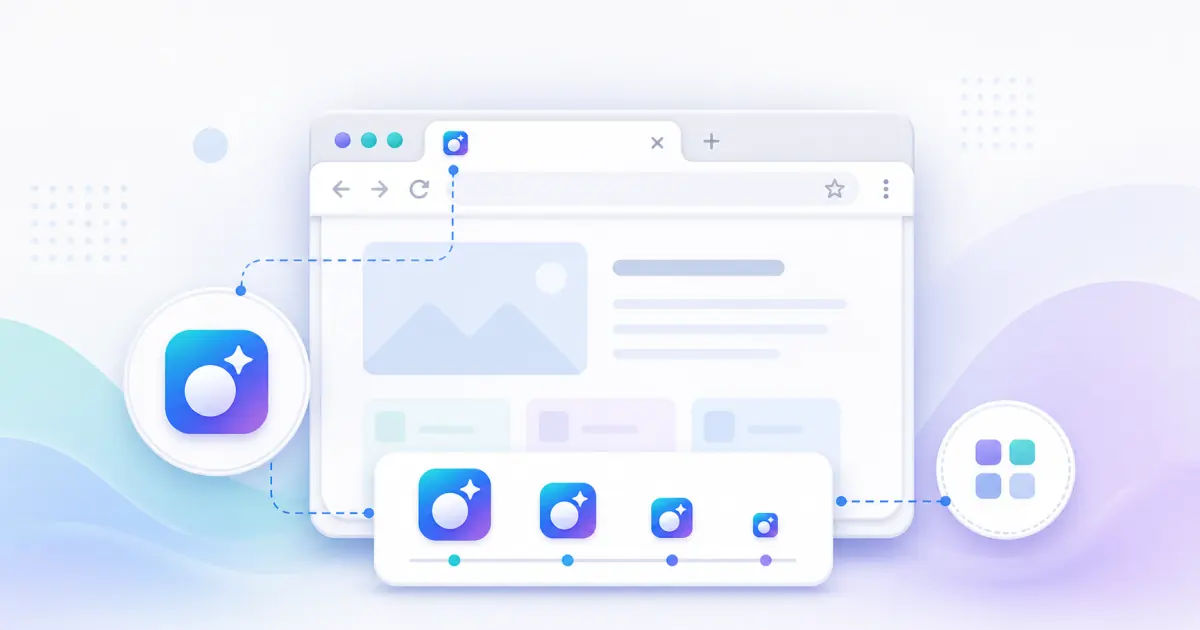
파비콘 생성기 creates favicon.ico, PNG favicons, Apple Touch Icon, Android Chrome icons, a site.webmanifest file, and copyable HTML tags from one local image.

Runs locallyNo uploadYour input is processed in your browser.

파비콘 생성기

favicon.ico, PNG 아이콘, Apple Touch Icon, Android 아이콘, manifest, 미리보기, HTML 태그, ZIP을 브라우저에서 만듭니다.

이 도구란?

A favicon generator prepares the small website icons used in browser tabs, bookmarks, mobile shortcuts, and PWA install screens. A complete favicon pack avoids the common problem of only shipping favicon.ico while missing Apple Touch Icon, Android icons, or manifest metadata.

지원 입력 형식

  • PNG images
  • JPG and JPEG images
  • WebP images
  • SVG logos and icons
  • Square source artwork is recommended
  • Large files should be kept under 10 MB for smooth browser processing

출력 파일

  • favicon.ico
  • favicon-16x16.png
  • favicon-32x32.png
  • apple-touch-icon.png 180x180
  • android-chrome-192x192.png
  • android-chrome-512x512.png
  • site.webmanifest
  • lumatool-favicon-pack.zip

크기 가이드

  • 16x16: browser tab favicon.
  • 32x32: high-density browser favicon.
  • 180x180: Apple Touch Icon for iOS shortcuts.
  • 192x192: Android and PWA launcher icon.
  • 512x512: high-resolution PWA icon.
  • favicon.ico: legacy browser compatibility.

입력 예시

  • Company logo PNG
  • Personal blog avatar
  • SaaS product mark
  • SVG logo
  • Transparent square icon

출력 예시

  • favicon.ico
  • favicon-16x16.png
  • favicon-32x32.png
  • apple-touch-icon.png 180x180
  • android-chrome-192x192.png
  • android-chrome-512x512.png

일반 사용 사례

  • Prepare a complete favicon pack before launching a website.
  • Replace inconsistent legacy favicon files with a modern set.
  • Create mobile shortcut and PWA icons from the same source artwork.
  • Generate HTML tags that match the exported filenames.
  • Preview how a transparent logo behaves on light and dark surfaces.

권장 방법

  • Start from high-resolution square artwork when possible.
  • Keep the subject centered and avoid tiny text inside small icons.
  • Use transparent backgrounds only when the mark remains visible on light and dark surfaces.
  • Use consistent file paths between exported files and HTML code.
  • After replacing favicons, clear browser cache or change filenames if the old icon remains visible.

흔한 실수

  • Uploading a low-resolution source and expecting sharp large icons.
  • Using artwork that touches the edge and gets clipped after rounding or cover mode.
  • Shipping only favicon.ico and forgetting Apple Touch Icon or manifest icons.
  • Leaving HTML paths that do not match the files in the public folder.
  • Not previewing 16x16 and 32x32 outputs before release.

개인정보 및 로컬 처리

파일은 브라우저에서 로컬로 처리되며 LumaTool 서버에 업로드되지 않습니다. 이미지 디코딩, Canvas 크기 조정, ICO/ZIP, manifest, HTML 생성은 클라이언트에서 완료됩니다.

예시

입력 예시

입력 예시
Company logo PNG
Personal blog avatar
SaaS product mark
출력 예시
favicon.ico
favicon-16x16.png
favicon-32x32.png

파비콘 생성기 creates favicon.ico, PNG favicons, Apple Touch Icon, Android Chrome icons, a site.webmanifest file, and copyable HTML tags from one local image.

출력 예시

입력 예시
one source icon image
출력 예시
favicon.ico
favicon-16x16.png
favicon-32x32.png
apple-touch-icon.png 180x180
android-chrome-192x192.png

파일은 브라우저에서 로컬로 처리되며 LumaTool 서버에 업로드되지 않습니다. 이미지 디코딩, Canvas 크기 조정, ICO/ZIP, manifest, HTML 생성은 클라이언트에서 완료됩니다.

개인정보 안내

파일은 브라우저에서 로컬로 처리되며 LumaTool 서버에 업로드되지 않습니다. 이미지 디코딩, Canvas 크기 조정, ICO/ZIP, manifest, HTML 생성은 클라이언트에서 완료됩니다.

사용 방법

  1. 1단계. 이미지를 업로드하거나 아이콘 경로를 입력합니다.
  2. 2단계. 웹사이트, 앱, PWA에 맞는 출력 옵션을 선택합니다.
  3. 3단계. 미리보기, 생성 파일, manifest, HTML 코드를 확인합니다.
  4. 4단계. 개별 파일, ZIP 또는 생성 코드를 사용합니다.

실제 사용 예시

Prepare a complete favicon pack before launching a website

Prepare a complete favicon pack before launching a website.

Replace inconsistent legacy favicon files with a modern set

Replace inconsistent legacy favicon files with a modern set.

Create mobile shortcut and PWA icons from the same source artwork

Create mobile shortcut and PWA icons from the same source artwork.

주요 사용 사례

  • Prepare a complete favicon pack before launching a website.
  • Replace inconsistent legacy favicon files with a modern set.
  • Create mobile shortcut and PWA icons from the same source artwork.
  • Generate HTML tags that match the exported filenames.
  • Preview how a transparent logo behaves on light and dark surfaces.

FAQ

What favicon size do I need?

Use 16x16 and 32x32 PNG for browser tabs, 180x180 for Apple Touch Icon, 192x192 and 512x512 for Android and PWA, plus favicon.ico for compatibility.

Do I need favicon.ico and PNG icons?

Yes, for broad compatibility. Modern browsers handle PNG well, while favicon.ico still helps older and legacy contexts.

Is my image uploaded to the server?

아니요. 처리는 브라우저에서 로컬로 실행되며 파일은 LumaTool 서버로 업로드되지 않습니다.

Can I use SVG as input?

Yes. SVG input is sanitized and rendered locally before PNG and ICO outputs are generated.

Where should I put favicon files?

Place them in your website public root or another static folder, then make sure the generated HTML paths match.

Why does my browser still show the old favicon?

Browsers cache favicons aggressively. Clear cache, use a private window, or change the filename and HTML path.

파비콘 생성기은 어떤 작업에 적합한가요?

파비콘 생성기은 브라우저에서 빠르게 확인, 변환, 정리, 포맷팅해야 하는 아이콘 도구 작업에 적합합니다.

입력 내용은 어떻게 처리되나요?

파일은 브라우저에서 로컬로 처리되며 LumaTool 서버에 업로드되지 않습니다. 이미지 디코딩, Canvas 크기 조정, ICO/ZIP, manifest, HTML 생성은 클라이언트에서 완료됩니다.

관련 도구