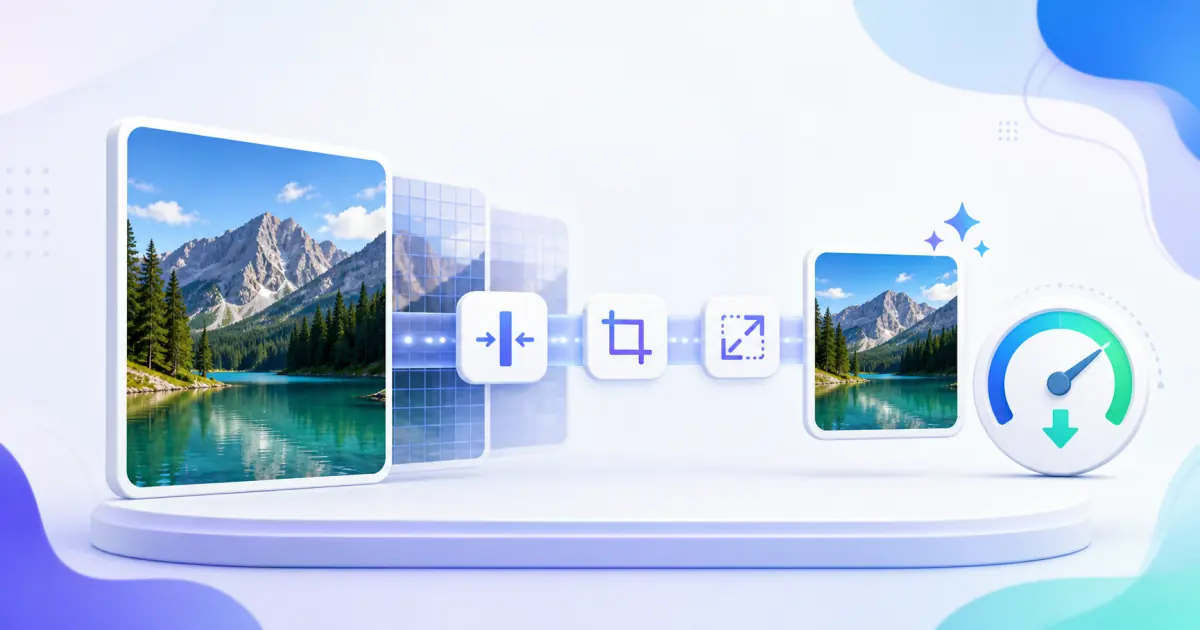
Workflow example
Copied text, code, value, or file content
ICO Converter result with readable output and validation feedback
Convert common image formats into favicon-ready ICO files locally.
Copied text, code, value, or file content
ICO Converter result with readable output and validation feedback
Convert common image formats into favicon-ready ICO files locally.
A second ICO Converter input for comparison
Clean result ready to copy, download, or continue in a related tool
This tool processes your input locally in your browser. Your text, code, file, or generated value is not uploaded to LumaTool servers.
Use ICO Converter for focused browser-based checks and cleanup tasks.
Prepare text, values, or technical data before pasting it into another system.
Inspect edge cases without installing desktop software.
Yes. ICO Converter is available as a free LumaTool web tool.
No sign-in is required for the public tool pages.
No. This tool processes input locally in your browser.
Yes. The editor, buttons, and result areas are designed for mobile and desktop browsers.
Ready tools include copy actions, and file-oriented tools include download actions where useful.
ICO Converter is useful for focused image tools tasks where you need a quick browser-based result without switching tools.
This tool processes your input locally in your browser. Your text, code, file, or generated value is not uploaded to LumaTool servers.
Yes, but review the result before applying it to production systems. LumaTool helps with utility work, validation, and formatting, but final decisions stay with you.

Convert HEIC and HEIF photos to JPG or PNG locally with batch downloads, resize limits, and progress.
Use Now ICompress, resize, crop, rotate, flip, and convert JPG, PNG, and WebP images locally in your browser.
Use Now ODraw a signature with mouse, touch, or pen and export a locally generated PNG or SVG image.
Use Now QGenerate QR codes for text, URLs, Wi-Fi, email, phone and SMS with PNG and SVG downloads.
Use Now IConvert images to Base64 data URLs and preview Base64 image content locally.
Use Now