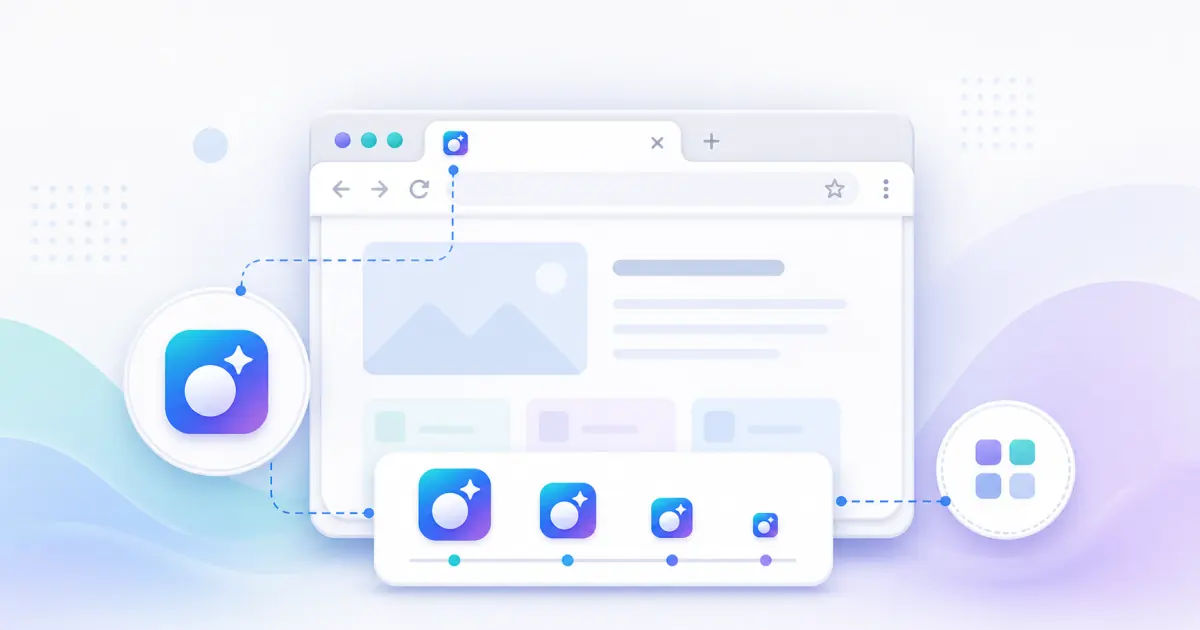
What favicon size do I need?
Use 16x16 and 32x32 PNG for browser tabs, 180x180 for Apple Touch Icon, 192x192 and 512x512 for Android and PWA, plus favicon.ico for compatibility.
Do I need favicon.ico and PNG icons?
Yes, for broad compatibility. Modern browsers handle PNG well, while favicon.ico still helps older and legacy contexts.
Is my image uploaded to the server?
No. Processing runs locally in your browser and the file is not uploaded to LumaTool servers.
Can I use SVG as input?
Yes. SVG input is sanitized and rendered locally before PNG and ICO outputs are generated.
Where should I put favicon files?
Place them in your website public root or another static folder, then make sure the generated HTML paths match.
Why does my browser still show the old favicon?
Browsers cache favicons aggressively. Clear cache, use a private window, or change the filename and HTML path.
What is Favicon Generator best used for?
Favicon Generator is useful for focused icon tools tasks where you need a quick browser-based result without switching tools.
How is my input handled?
Your file is processed locally in your browser and is not uploaded to LumaTool servers. Image decoding, canvas resizing, ICO packaging, ZIP creation, manifest generation, and HTML code generation all happen on the client side.